

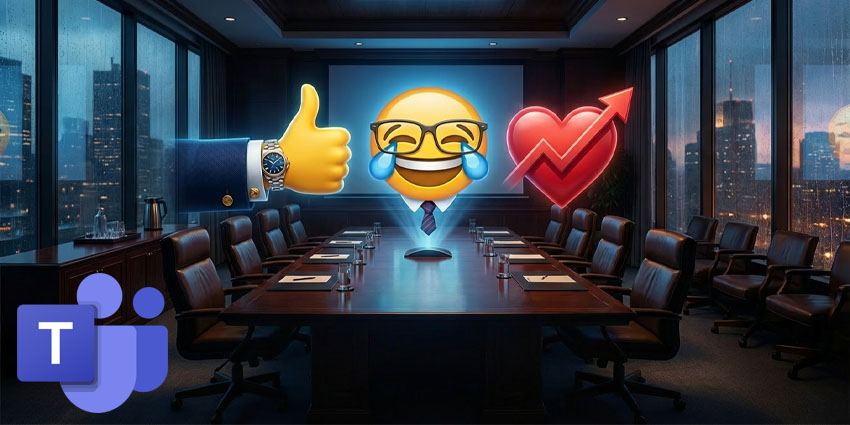
Digital meeting rooms are often chaotic environments, overflowing with a cacophony of chat notifications, raised hands, and an endless stream of generic emojis. But Microsoft is preparing to bring a new level of curated order to the Teams noise. According to the latest update to the Microsoft 365 roadmap, Microsoft is developing a feature called “Brand Meeting Reactions.” This allows organizations to extend their visual identity into the meeting experience itself.
This update, currently listed as “in development” and scheduled for release starting in March 2026, represents a significant change in how the platform handles user expressions.
The roadmap entry states that IT administrators can upload custom responsive icons that reflect brand elements, specific event themes, or internal initiatives. Once uploaded, these assets are immediately available to meeting participants, who can even sit next to or replace the standard yellow thumbs up and clap icons that have become the lingua franca of collaborative remote work.
Microsoft is pursuing these developments as a way to create a more cohesive and on-brand meeting experience. In the official document, they note that organizations can now extend their visual identity directly into their meetings, providing a simple way to incorporate the aesthetics of the digital workplace.
The move follows a broader trend of increased personalization within the platform, including the recent addition of a skin color selection feature for Microsoft Teams Responsive and an integrated “fun selector” for GIFs and stickers. But unlike user-centric features, brand responsiveness puts creative control firmly in the hands of the company.
Strategic Use: Turn Pixels into Policies
For C-suite, IT, and HR leaders, this update can be seen as a new vehicle for digital culture governance rather than just a cosmetic improvement. The ability to customize Microsoft Teams responsiveness transforms the meeting interface from a neutral utility to a managed asset, providing a unique opportunity to align micro-interactions with macro strategic goals.
HR directors and chief people officers should view this as a mechanism for reinforcing company values without the friction of mandatory training. In large, distributed organizations, culture often occurs through town halls or all-hands meetings. By curating a specific set of responses, such as specific icons for innovation or brand emblems for customer success, leadership can subtly guide the emotional tone of these gatherings. This allows for a shared visual language that reinforces the specific behaviors the organization wants to celebrate, turning passive clicks into confirmation of company culture.
For CIOs and IT governance teams, this feature requires proactive policies rather than reactive cleanup. The challenge is to prevent your “responsive tray” from becoming a cluttered graveyard of expired marketing campaigns or confusing icons. Successful implementation requires close collaboration between Marketing, which owns the brand assets, and IT, which controls the tenants. Leaders must establish a clear lifecycle for these assets, ensuring event-specific icons are retired promptly to maintain a clean and professional user experience.
Ultimately, this feature drives conversations about the intent of digital collaboration. Used wisely, branded Microsoft Teams responses can foster a sense of belonging and belonging in a hybrid world. In theory, it could help turn disparate workforces into a unified entity, waving the same flag in the digital space. But if you deploy without a strategy, you run the risk of becoming just another layer of corporate noise. Savvy leaders will use the time before the March launch to define not only what these icons will look like, but also milestones for their organization’s identity.